How to Set Up Medication Reminders and Alarms That Actually Work
 Apr, 18 2026
Forgetting a single pill might seem like a small slip, but for millions of people, it's a daily struggle. When you're managing a complex health condition, a missed dose isn't just an inconvenience-it can lead to avoidable hospital visits or a total setback in your recovery. In fact, data from the World Health Organization shows that about 50% of people with chronic illnesses struggle to take their meds on time. The problem isn't usually a lack of will; it's that most of our reminder systems are too simple for the reality of a busy life.
The Quick Strategy for Better Adherence
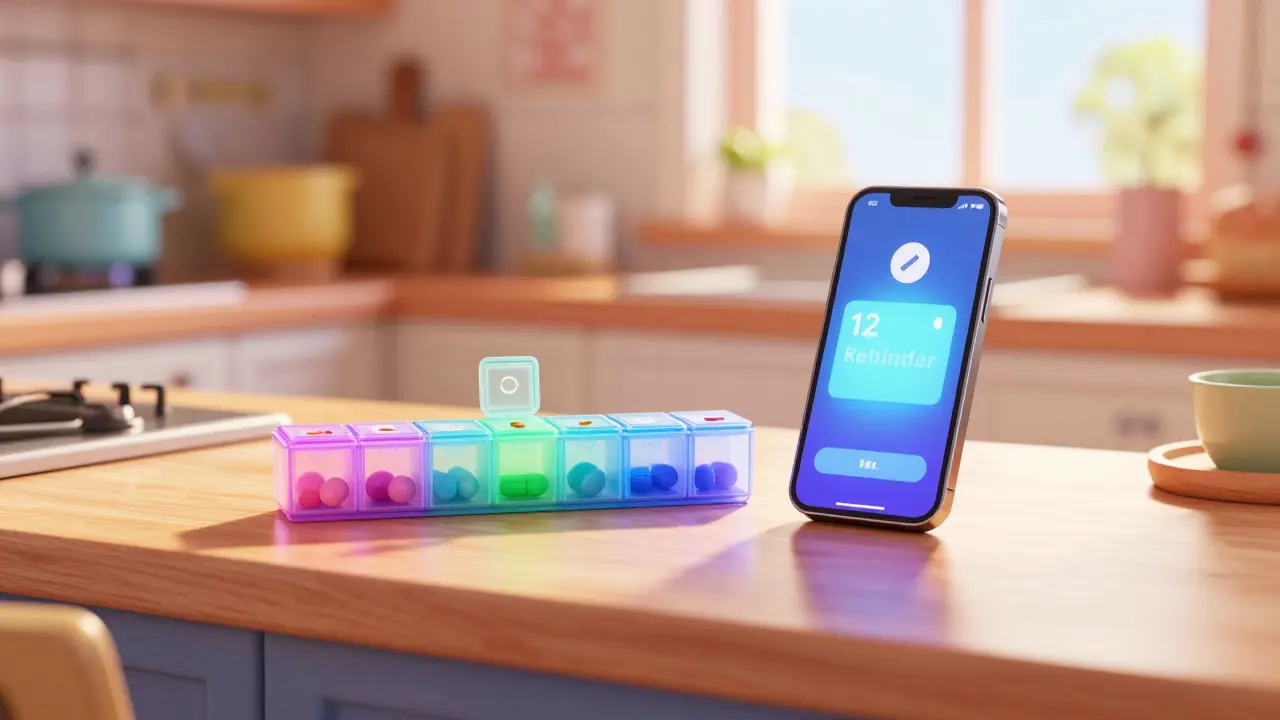
- Layer your alerts: Combine a smartphone app with a physical backup (like a pillbox) to avoid "silent failures."
- Use "Smart" Apps: Choose tools that integrate with medication databases like RxNorm to prevent input errors.
- Build an Escalation Plan: Set reminders that get louder or notify a loved one if you don't confirm the dose.
- Sync Your Pharmacy: Link your reminders to your refill schedule to avoid the "last pill" panic.
Choosing the Right Tool for Your Routine
Not all reminders are created equal. Depending on how many meds you take and how tech-savvy you are, the "best" tool changes. If you only take one vitamin a day, a basic phone alarm is fine. But if you're dealing with polypharmacy-taking ten or more medications-standard alarms often lead to "alert fatigue," where your brain just starts ignoring the noise.
For those needing a digital powerhouse, Medisafe is a leading medication management app that uses an AI-driven Adherence Engine to analyze behavioral patterns and predict when a user is likely to miss a dose. It's particularly useful because it doesn't just beep; it tracks patterns. If you consistently miss your 8 PM dose because of dizziness or sleep, the app can help you identify that pattern so you can talk to your doctor about adjusting the timing.
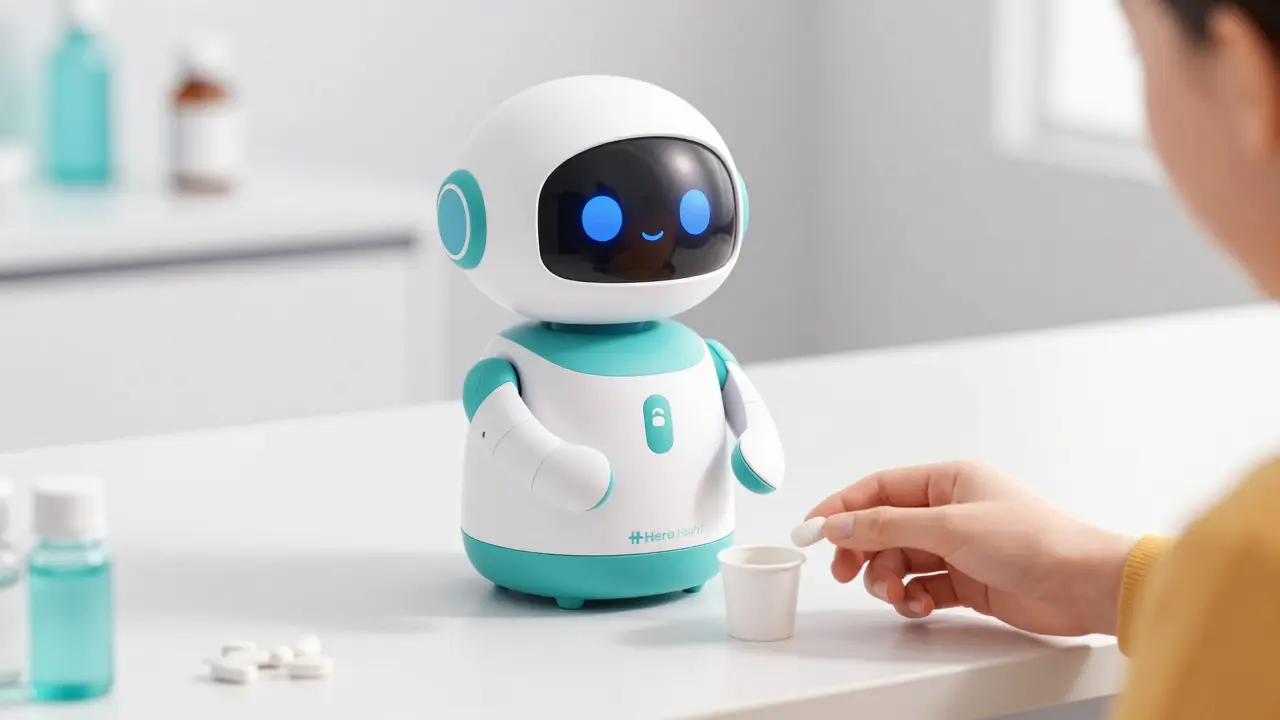
On the other end of the spectrum, some people find smartphones distracting. In these cases, physical systems like the Hero Health dispensing robot provide a more rigid structure. While more expensive, these automated dispensers often achieve higher adherence rates than apps alone because they physically hand you the medication at the exact second it's due.
| System | Best For | Key Strength | Main Weakness |
|---|---|---|---|
| Medisafe | Complex Regimens | AI behavioral analysis | No direct pharmacy sync |
| Mango Health | Pharmacy Users | 65k+ US Pharmacy partners | Limited caregiver tools |
| MedAdvisor | Prescription Management | Seamless refill transfers | Analytics restricted to partners |
| Hero Health | Seniors / High Risk | Physical automated dispensing | High monthly subscription cost |
How to Configure Your Reminders for Maximum Success
Setting an alarm is easy; setting a system that medication adherence depends on requires a bit more strategy. To make sure your system actually works, follow these technical and practical steps:
- Verify Your Database: Don't just type in "Blood Pressure Pill." Use an app that leverages the RxNorm database. This is a standardized system with over 350,000 drug entries that ensures the dosage and name are exactly right, reducing input errors by over 70%.
- Set Up Staggered Escalation: A single beep is easy to ignore. Set your system to start with a silent vibration, move to an audio alert after 10 minutes, and finally send a notification to a caregiver or spouse if the dose isn't confirmed within 47 minutes. This "escalation protocol" can cut missed doses by more than half.
- Audit Your Permissions: This is where most systems fail. Go into your phone settings and ensure "Critical Alerts" are enabled. If your phone is in "Do Not Disturb" mode, your medication alarm needs permission to override that silence.
- Use Visual Confirmation: If your app allows it, use the camera to verify the pill. Some high-end systems require a photo of the pill in your hand, which virtually eliminates "false adherence" (where you mark a pill as taken just to stop the alarm).
Solving the "Alert Fatigue" Problem
If your phone goes off twelve times a day, you'll eventually start treating those alerts like background noise. This is a physiological response called habituation. To fight this, you need context-aware notifications.
Imagine your alarm going off loudly during a board meeting. You'll likely snooze it and then forget about it. Modern systems can now integrate with your digital calendar to detect when you're in a meeting and switch the alert to a subtle vibration or delay it by fifteen minutes. This prevents the frustration that leads people to turn off their reminders entirely.
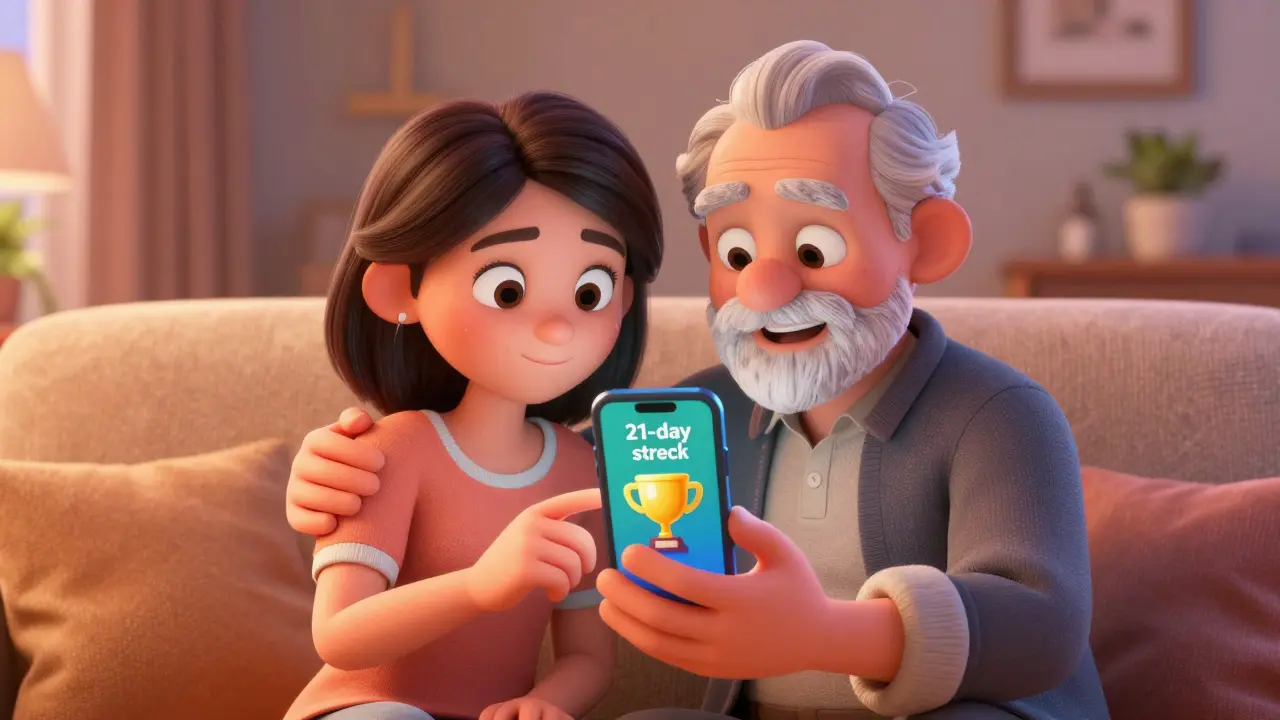
Another trick is using behavioral economics. Many apps now use "streak counters." While it sounds like a game, seeing a "21-day streak" of perfect adherence creates a psychological incentive to keep the chain going. For younger users, this gamification can increase 30-day adherence by nearly 40%.
Involving Caregivers and Support Systems
You don't have to manage your health in a vacuum. One of the most effective ways to ensure you stay on track is to set up tiered caregiver permissions. This means your daughter or spouse doesn't just get a "help" alert, but can actually see your schedule.
A good setup includes three levels of access:
- View-Only: The caregiver can see if you've taken your meds but can't change the schedule.
- Schedule Editor: The caregiver can update dosages if the doctor changes a prescription.
- Emergency Override: The caregiver can trigger a loud alarm on your phone if they know you've missed a critical dose.
This layer of accountability is a game-changer. For example, a caregiver might notice a pattern where a patient avoids an evening dose because it causes dizziness. By spotting this trend in the app, they can help the patient request a timing change from their doctor, potentially moving adherence from a coin-flip (50%) to nearly perfect (90%+).
Common Pitfalls and How to Fix Them
Even the best systems have weak points. Here are the most common reasons medication reminders fail and how to stop them:
The Time Zone Trap: If you travel or live near a time zone border, automatic updates can shift your meds by an hour, which is dangerous for certain hormones or insulin. Always verify that your app uses a reliable time zone database (like IANA) and double-check your settings after a flight.
Battery Drain: High-accuracy tracking and constant background syncing can eat your battery. If you notice your phone dying by 4 PM, check if your app is using "background location services" unnecessarily. Switch to a more power-efficient sync interval if possible.
Pharmacy API Failures: If you rely on your app to tell you when to refill, be careful. API changes between pharmacies and apps can sometimes cause refill alerts to disappear. Always keep a manual backup-like a calendar reminder set for five days before your prescription runs out.
Which is better: a pillbox or a smartphone app?
Neither is "best" on its own; the most effective approach is a hybrid. Physical pillboxes provide a visual cue and tactile confirmation that you've actually handled the medication. Apps provide the timing, refill alerts, and accountability through caregivers. Using both reduces the risk of a "silent failure" where you ignore a phone notification or forget to fill your pillbox for the week.
What should I do if I'm feeling "alarm fatigue"?
If you're ignoring your alerts, try changing the sound or the vibration pattern every few weeks to "re-wake" your brain. You can also try "context-aware" settings-scheduling your reminders to align with existing habits (like brushing your teeth) rather than arbitrary times. If you have more than 10 medications, consider an automated dispenser to reduce the number of individual alerts you have to manage.
Are these apps secure and private?
Look for apps that explicitly state they are HIPAA-compliant and use AES-256 encryption. This is the gold standard for health data. Avoid free apps that don't have a clear privacy policy regarding how they share your medication list with third-party advertisers.
How do I help a senior who struggles with technology?
Start with a simplified interface. Some apps use characters or voice prompts rather than complex menus. If a smartphone is too frustrating, a smart pill dispenser (like Hero Health) is a better investment because the "tech" happens in the background, and the user only has to interact with a physical tray.
Can these apps integrate with my doctor's records?
Some can. Look for apps that use the HL7 FHIR standard, which allows them to communicate with Electronic Health Records (EHR) like Epic's MyChart. This means your doctor can see your actual adherence rates during a visit, leading to much more accurate medication adjustments.
Next Steps for Your Setup
If you're just starting, don't try to automate everything in one day. Start by picking one app-like Medisafe or Mango Health-and input your most critical medications first. Spend a week testing the alert sounds to make sure they wake you up but don't annoy you. Once you're comfortable, invite a family member to be your "adherence partner." This simple shift from a solo task to a supported habit is usually the difference between a system that fails after a month and one that saves lives for years.
Lynn Smith
April 20, 2026 AT 11:49This is such a helpful breakdown for anyone struggling to stay on top of their health habits!
Mike Beattie
April 22, 2026 AT 04:20The cognitive load of polypharmacy is a real issue, but focusing on AI behavioral patterns is just a proxy for basic executive dysfunction. Most of these solutions are just superficial layers over a failure in systemic healthcare delivery. We're talking about adherence engines and RxNorm integration when the actual bottleneck is often the socio-economic friction of prescription access. It's a classic case of applying a high-tech bandage to a deep systemic wound. The gamification aspect is particularly reductive, treating a critical medical necessity like a Duolingo streak. It's a bit insulting to the intelligence of the patient to suggest that a digital badge will solve chronic non-compliance. The actual variable here is the patient's quality of life and their capacity to manage these stressors without burning out. We need to look at the holistic bio-psycho-social model rather than just tweaking the alert sound to avoid habituation. The whole approach is too focused on the tool and not the human experience of illness. Basically, we're optimizing the interface while ignoring the infrastructure of care. It's a tech-bro solution to a human problem.
Tokunbo Elegbe
April 24, 2026 AT 02:54I really appreciate the emphasis on caregiver support... it's so important to have a safety net!!! Especially for those who might be overwhelmed by the tech side of things... a little help goes a long way!!!
Shalika Jain
April 25, 2026 AT 22:49Please, as if a fancy robot dispenser is a revolution. My grandmother has used a plastic pillbox for forty years and she's far more punctual than any of you with your 'AI-driven' apps. The idea that we need an 'escalation protocol' just to remember a pill is honestly peak first-world laziness. It's almost comical how we've outsourced basic memory to a smartphone. I find the obsession with 'critical alerts' absolutely precious. Just set a timer and have some discipline. The pretension that we need a database of 350,000 drugs just to not mess up a dosage is just wild.
Brigid Prosser
April 26, 2026 AT 18:57Spot on with the alarm fatigue. I used to just swipe away my notifications like a mindless zombie until I started tying my meds to my morning coffee brew. Now it's just part of the ritual, no beeps required.
Charlotte Boychuk
April 27, 2026 AT 22:52The whole 'streak' thing is actually kind of a vibe! It turns a tedious chore into a little game, which makes the day feel a bit more colorful and less like a medical checklist. Love the idea of a hybrid system too!
Arthur Luke
April 29, 2026 AT 11:20I wonder if the IANA time zone database handles the shift for those living in regions with irregular daylight savings changes, as that could be a significant point of failure for highly sensitive medications.
Aaron McGrath
May 1, 2026 AT 10:17STOP OVERTHINKING THE UI! Just get a system that screams at you until you take the pill! High-frequency alerts are the only way to break through the noise! Optimize for maximum urgency or you're just failing at the game of health! Get it done!
Valorie Darling
May 2, 2026 AT 13:46whatever this is just use a calendar its not that deep ppl act like its rocket science just buy a pillbox and stop overcomplicating it
Grace Grace
May 4, 2026 AT 13:29I tried one of these apps but kept getting the notifications wrong because of a typo in my set up!! It was so frustrating but I'm sure with a bit more practice I can make it work... just need to be more careful with the input!!
caesar simpkins
May 4, 2026 AT 22:54It's honestly heartwarming to see how much thought goes into supporting seniors with this. The transition from complex menus to voice prompts is a beautiful way to keep people independent without making them feel obsolete.
Akshata Kembhavi
May 6, 2026 AT 01:47I think using a physical pillbox along with an app is the way to go. In my home, we always have a backup plan just in case the electricity or wifi goes out!
aman motamedi
May 6, 2026 AT 14:57The inclusion of HIPAA compliance and AES-256 encryption standards is a necessary detail for maintaining patient confidentiality in a digital environment.
Lucy Kuo
May 8, 2026 AT 01:47I am utterly devastated by the fact that so many individuals suffer in silence due to these avoidable mishaps! It is an absolute tragedy of the modern age that we must rely on silicon and circuits to ensure our very survival! We must champion these inclusive tools with the utmost passion to ensure no one is left behind in this digital revolution!